
Introduction: Monetizing Unused Mobile & Wi-Fi Bandwidth
In India, smartphone users subscribe to daily mobile data bundles (1.5GB to 3GB/day) or unlimited high-speed fiber Wi-Fi. Over 50% of this allocated capacity expires unutilized each midnight. DataEarn bridges this gap by enabling individuals to safely share unused enterprise-grade network bandwidth in return for fixed daily passive income ranging from ₹30 to ₹2,500 every day.
Whether you are a college student, freelancer, or remote professional, this visual tutorial walks you through every button, screen, and feature in the DataEarn Android application.
Download APK & 1-Tap OTP Authentication
Visit the official portal at DataEarn.site and tap "Download APK" to obtain the verified dataearn-v2.apk build. Once installed, launch the app:
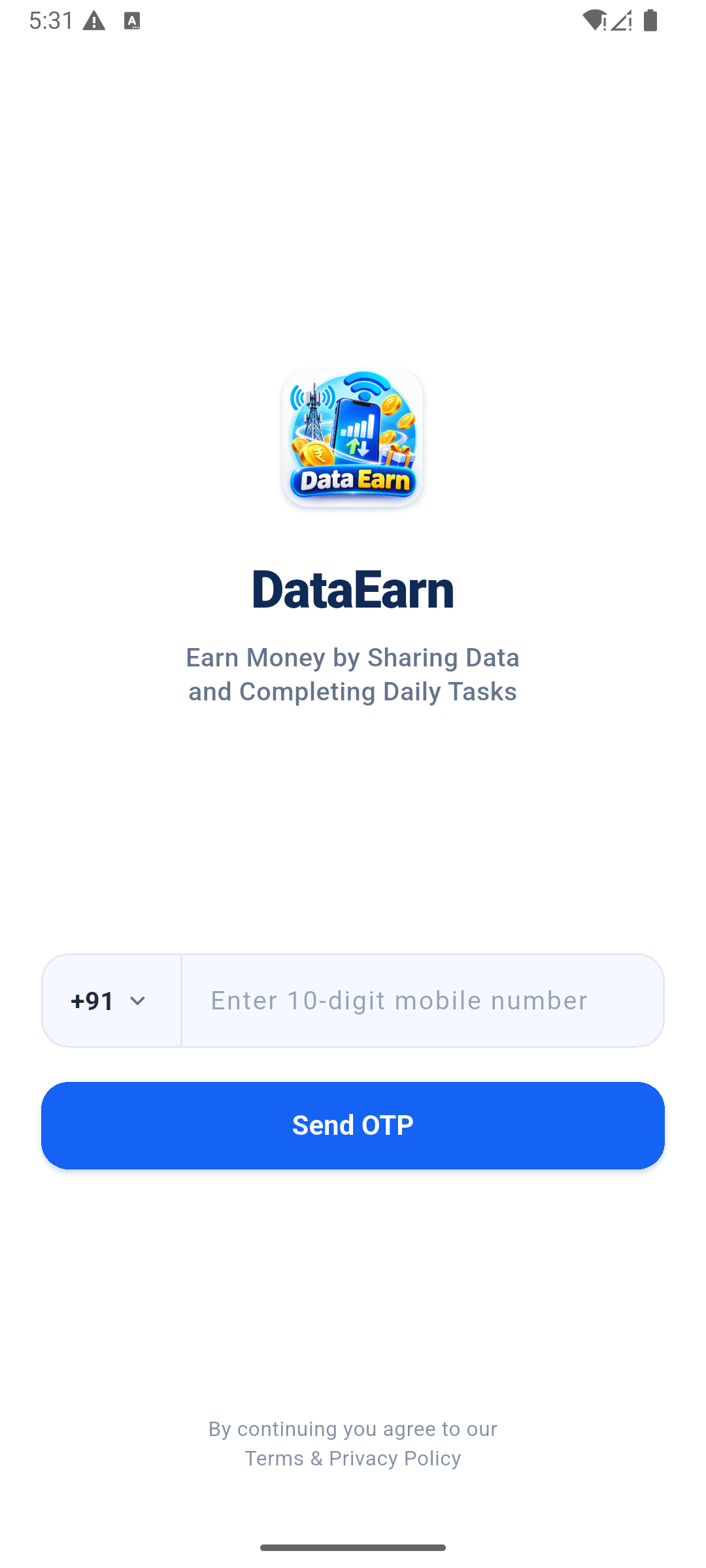
A 6-digit cryptographic security code is instantaneously dispatched to your mobile via SMS. Enter it into the verification field to authenticate:
Exploring the Live Earning Dashboard
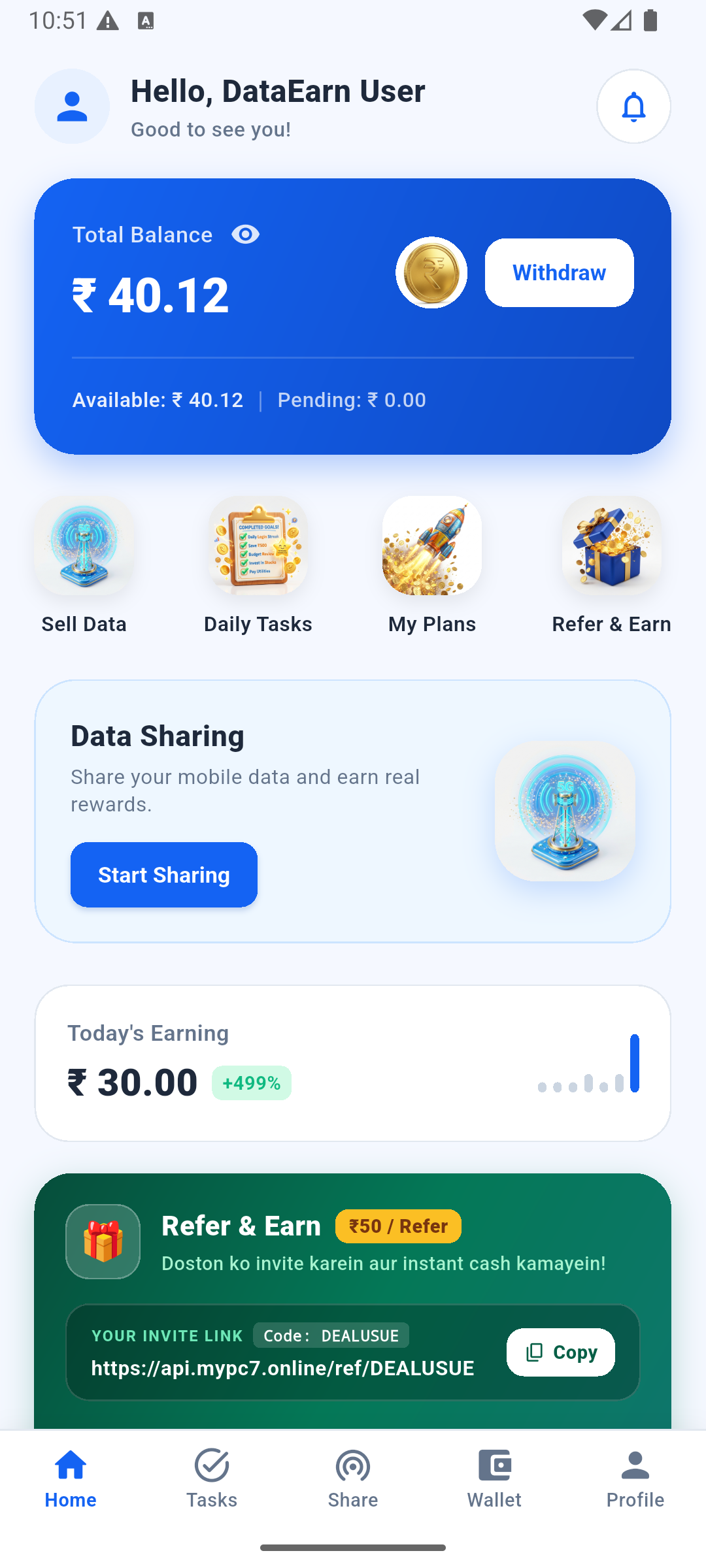
Upon login, you land on the modern DataEarn central dashboard. Designed with an eye toward real-time telemetry, it displays your financial status at a glance:
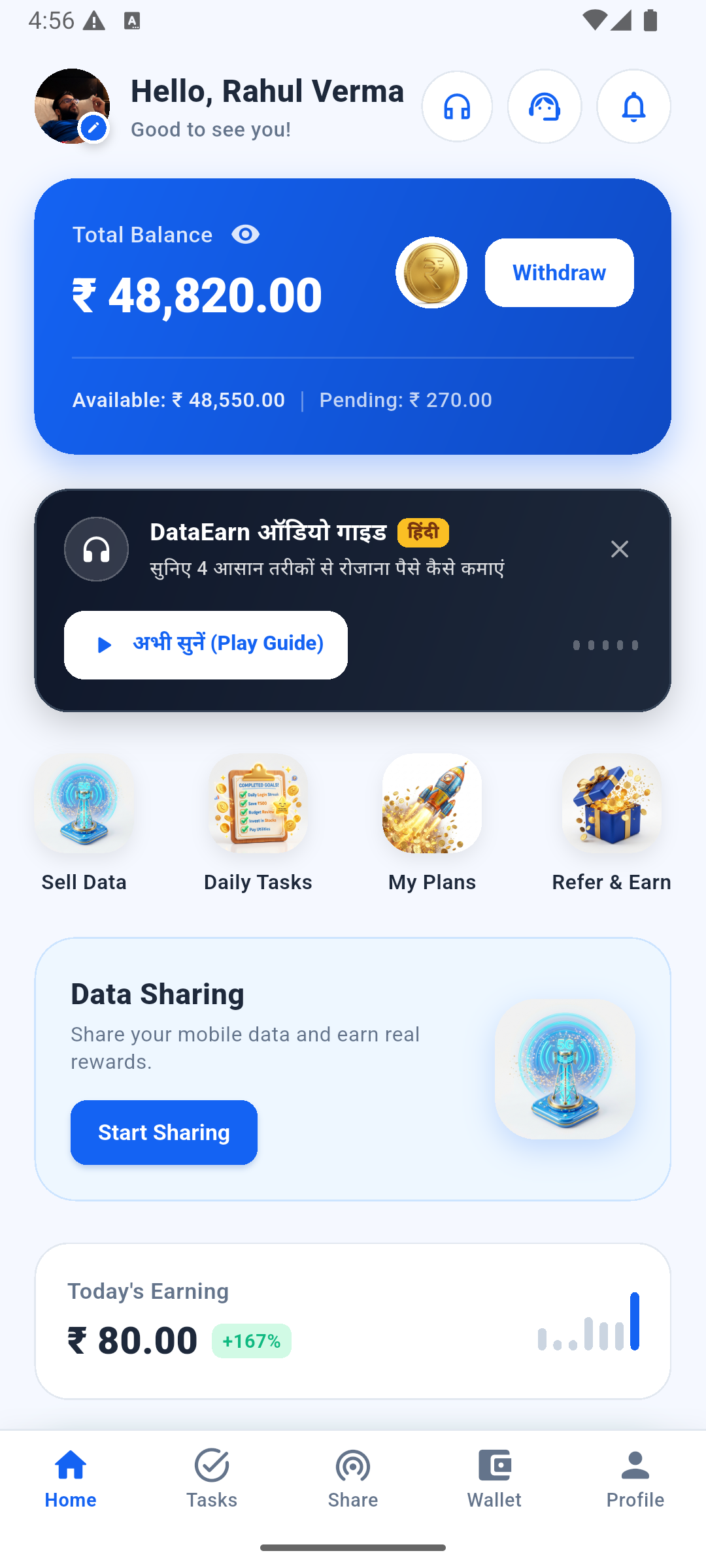
- Withdrawable Balance: Real-time available cash ready for immediate payout to your bank or UPI.
- Today's Earning: Dynamic counter calculating your daily income from active data sharing.
- Active Plans Counter: Number of ongoing income packages running simultaneously.
- Bottom Navigation Bar: Effortlessly switch between Home, Plans, Tasks, Wallet, and 24x7 Support.
Choosing an Earning Plan (Starter to Pro)
Navigate to the 'Plans' tab to inspect available subscription tiers. DataEarn provides 6 tailored packages suited to every earning objective:
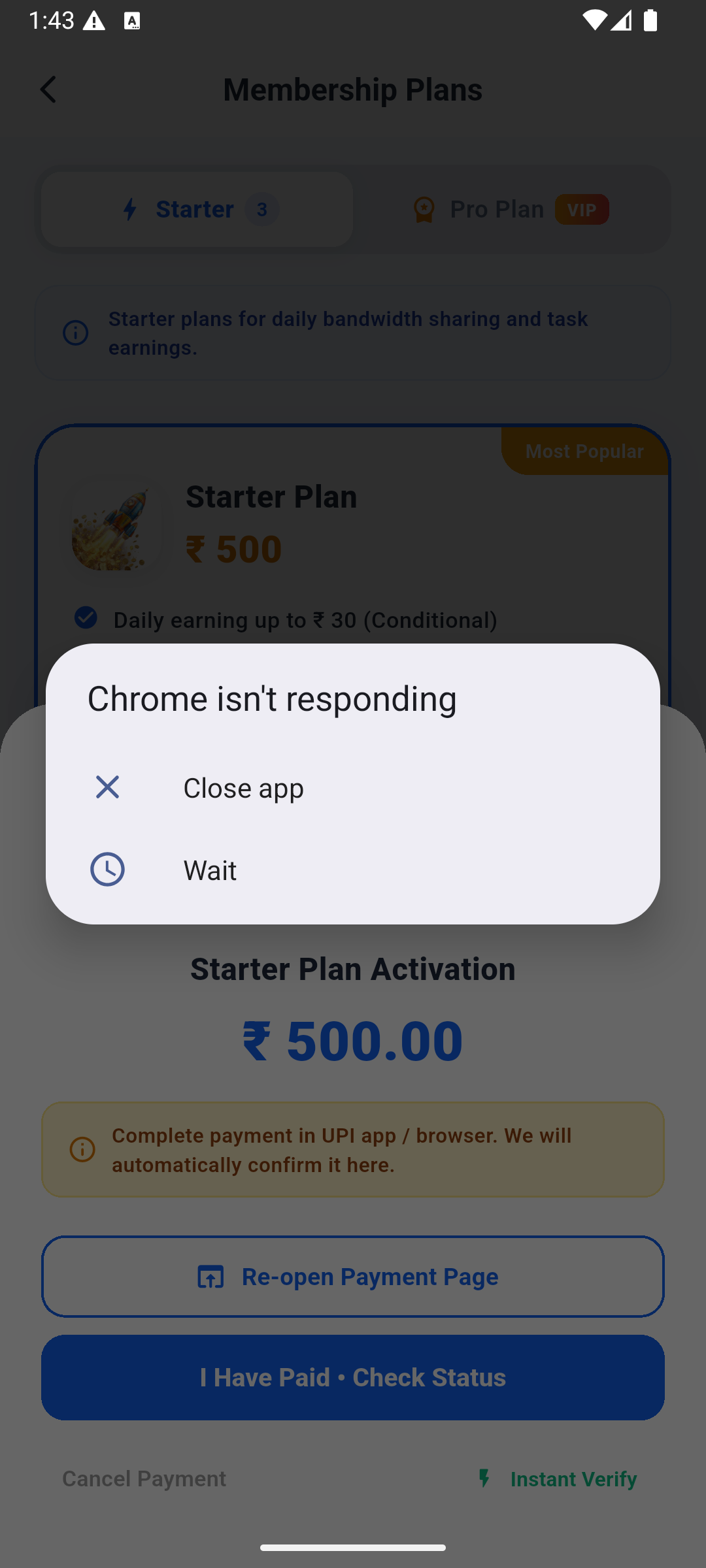
When you choose a plan, confirm your subscription with one tap. An instant success dialogue confirms your activation:

Enabling Background Data Sharing
On your dashboard, switch the "Start Data Sharing" toggle to ON. The app initiates an isolated foreground service that operates silently in the background:
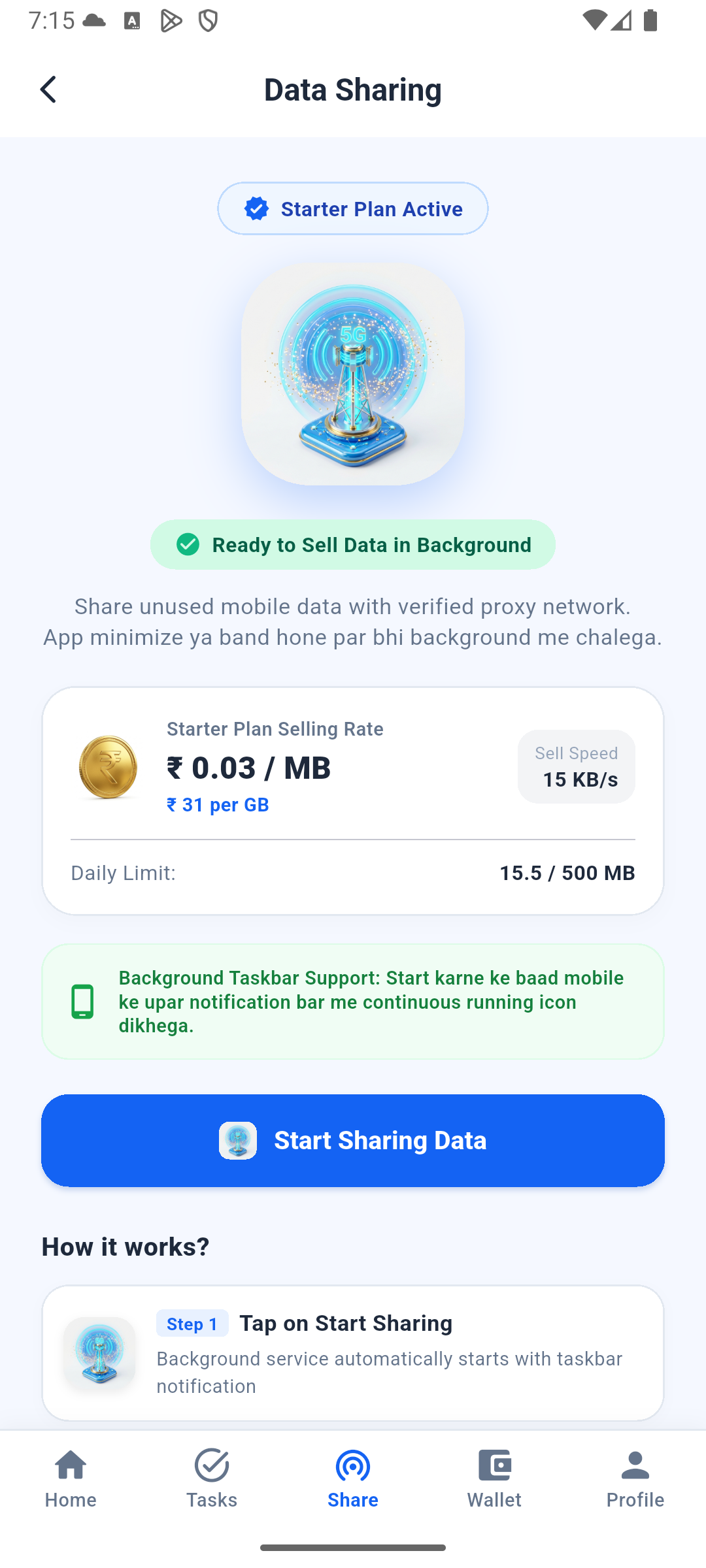
Security Assurance: DataEarn never inspects personal files, storage, contacts, or messages. Only encrypted enterprise IP routing occurs.
Recharging Your Wallet via UPI
To activate higher earning plans, open the 'Wallet' screen and click 'Add Funds'. DataEarn incorporates India's high-speed Instant UPI gateway:

Cashing Out Profits via UPI or IMPS Bank Transfer
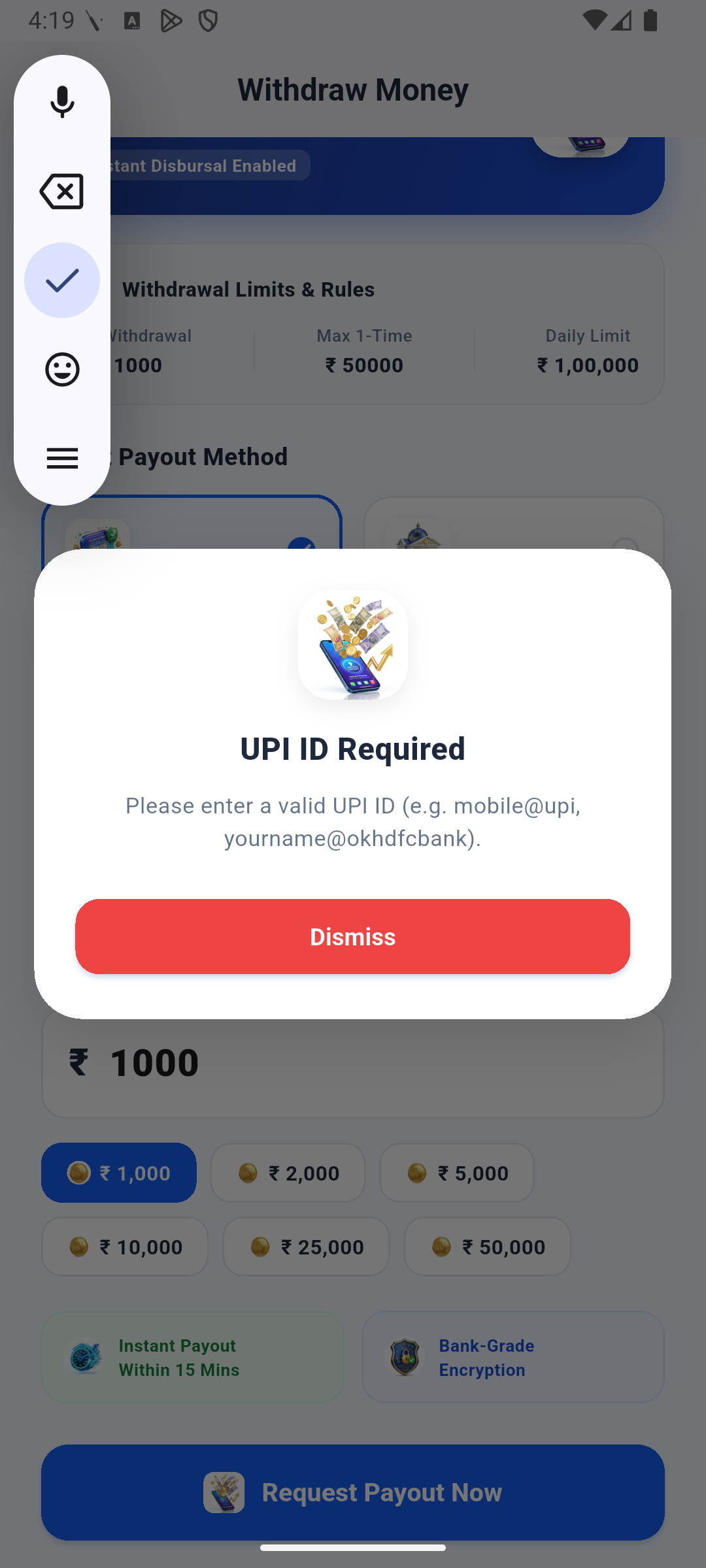
Once your accumulated earnings reach the low minimum threshold of ₹300, tap 'Withdraw' in your wallet:
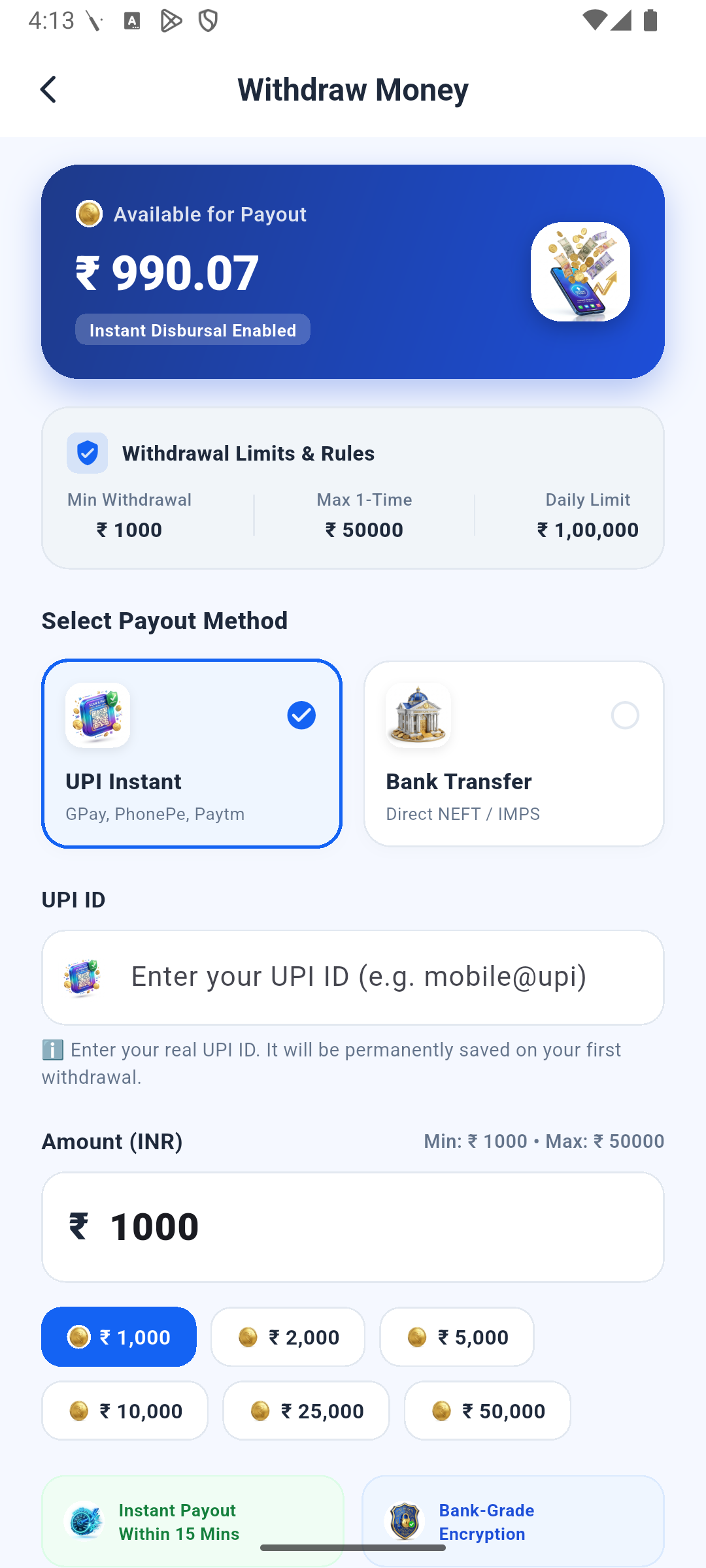
Payouts are processed swiftly through automated banking rails:
Accessing 24x7 Live In-App Customer Support
If you ever have inquiries or need rapid clarification, tap the 'Support' tab. A combination of conversational AI bots and human support agents is active round the clock:

Multiplying Income with the 3-Tier Referral Engine
Share your unique referral code or link with friends, colleagues, and social media networks to earn recurring passive revenue:
Summary & Getting Started
DataEarn offers an unprecedented blend of high technology, enterprise security, and predictable daily earnings. Download the official Android APK today from our homepage and turn your smartphone into an automated revenue generator.